How to Set Up Online Booking for Your Pet Business: A Step-by-Step Guide
Transitioning from manual scheduling to an online booking system reclaims lost hours and professionalizes your pet business. This guide walks you through structuring services, capturing intake details, and automating your workflow.

TL;DR: Moving from manual scheduling to an online booking system eliminates phone tag, reduces no-shows through automated reminders and deposits, and centralizes client data. By carefully structuring your services, setting up intake questions, and automating communications, you can reclaim hours of administrative time each week.
Table of Contents
- The Efficiency Problem: Why Manual Booking is Holding You Back
- Phase 1: Defining Your Service Architecture
- Phase 2: Building Your Booking Workflow
- Phase 3: Integrating the System into Your Operations
- Phase 4: Transitioning Your Clients
- Appendix: 4-Week Implementation Timeline
The Efficiency Problem: Why Manual Booking is Holding You Back
For many pet business owners, managing appointments via phone calls, text messages, and paper diaries is a significant bottleneck. The constant interruption of the phone ringing while you are trying to groom a dog or supervise a playgroup disrupts your workflow and compromises safety.
Common pain points: The phone tag cycle
When a client calls to book an appointment and you are unable to answer, they leave a voicemail. You call back later, but they are busy. This cycle of phone tag can take days to resolve a simple booking. Meanwhile, the client might find another provider who offers instant online booking. An online booking system operates 24/7, allowing clients to secure their spots at their convenience without interrupting your day.
The hidden cost of scheduling errors and no-shows
Manual scheduling is prone to human error. Double-booking a kennel or forgetting to write down a grooming appointment leads to stressful situations and unhappy clients. Furthermore, without automated reminders, no-show rates can severely impact your revenue. Research indicates that scheduling software with automatic appointment reminders can improve clinic management through timely cancellations and re-scheduling.
Pricing and ROI analysis: Cost of software vs. admin time
Evaluating the return on investment (ROI) requires comparing the monthly cost of software against the administrative hours saved. If you spend 10 hours a week answering booking calls and manually texting reminders, at a labor rate of $20/hour, manual booking costs you $800 monthly. Implementing software that costs $40-$80 a month provides immediate financial leverage, freeing you up to take on additional billable appointments or focus on business growth.
Phase 1: Defining Your Service Architecture
Before launching an online booking portal, you must clearly define what you are selling and how it fits into your schedule.
Structuring services, durations, and pricing
Break down your offerings into clear, bookable services. For a dog groomer, this might mean separating "Full Groom" from "Bath and Tidy," and assigning specific durations based on breed size. Ensure your pricing is transparent. If you charge based on weight or coat condition, state this clearly in the service description.
| Business Type | Service Category Example | Duration Structure | Pricing Variable |
|---|---|---|---|
| Mobile Grooming | Deshedding Treatment | 90-120 mins | Breed size + travel distance |
| Dog Daycare | Half-Day vs Full-Day | Up to 5 hrs / 5+ hrs | Flat rate or package deduction |
| Pet Boarding | Standard Kennel Stay | Nightly / Date-Range | Peak season surcharge |
| Dog Training | Puppy Socialization Class | 6-week block, 60 mins/wk | Fixed enrollment fee |
Animal-specific workflow details
The booking engine you configure must match the physical realities of the animals you service. Boarding kennels require date-range stays where the system calculates nights automatically. Trainers need class management where multiple clients can book into the same group session until capacity is reached. Mobile providers need distance-based pricing and travel padding between appointments to account for traffic.
Managing resources: Staff, rooms, and equipment
Your booking system needs to know your capacity. If you run a dog daycare, your capacity is limited by square footage and staff-to-dog ratios. If you are a groomer, your capacity is limited by the number of tubs and grooming tables. Configure your system to allocate these resources automatically so you never overbook. In AnimalBooking, you can link specific services to specific resources (e.g., "Agility Field" or "Grooming Van 1") so they are blocked out during the appointment.
Setting availability vs. business hours
Business hours are when your doors are open; availability is when you can actually take appointments. You might be open from 8 AM to 6 PM, but only offer drop-off times between 8 AM and 10 AM. Set your availability rules to reflect your actual operational workflow.
Phase 2: Building Your Booking Workflow
A successful online booking setup does more than just reserve a time slot; it collects necessary information and secures the booking financially.
Capturing essential info: Intake questions and pet profiles
Intake forms are critical for safety and efficiency. Build custom intake questions that clients must complete during the booking process. This ensures you have all the necessary information before the pet arrives, eliminating lobby paperwork. Examples include:
- Behavioral: Has your dog ever bitten a person or another dog?
- Medical: Please upload current Rabies, Bordetella, and DHPP vaccination records.
- Grooming: Does your pet have any sensitive areas (e.g., ears, paws) that we should avoid touching?
When clients submit this data, it should automatically populate the pet's CRM profile, creating a lasting health and behavior record.
Why you need automated deposit collection
Collecting a deposit at the time of booking is one of the most effective ways to reduce no-shows. When clients have financial skin in the game, they are far more likely to show up. Connecting a payment processor like Stripe or Square allows you to take partial deposits, full upfront payments, or simply securely capture a card on file for cancellation policies.
Handling peak-season operations and waitlists
Holidays and summer months can overwhelm pet businesses. Set up waitlists so that when a boarding run or grooming slot is fully booked, interested clients can join the queue. If a cancellation occurs, you can quickly contact the waitlist rather than losing the revenue. Additionally, configure peak-season pricing overrides in your service settings to account for increased demand during Thanksgiving or Christmas.
Customizing communication: Automated email and SMS reminders
Automated reminders keep your business top-of-mind. Set up your system to send an email confirmation immediately upon booking, followed by an automated appointment reminder via SMS 24 to 48 hours before the appointment. This simple step drastically reduces no-shows and gives clients a chance to reschedule if necessary.
Phase 3: Integrating the System into Your Operations
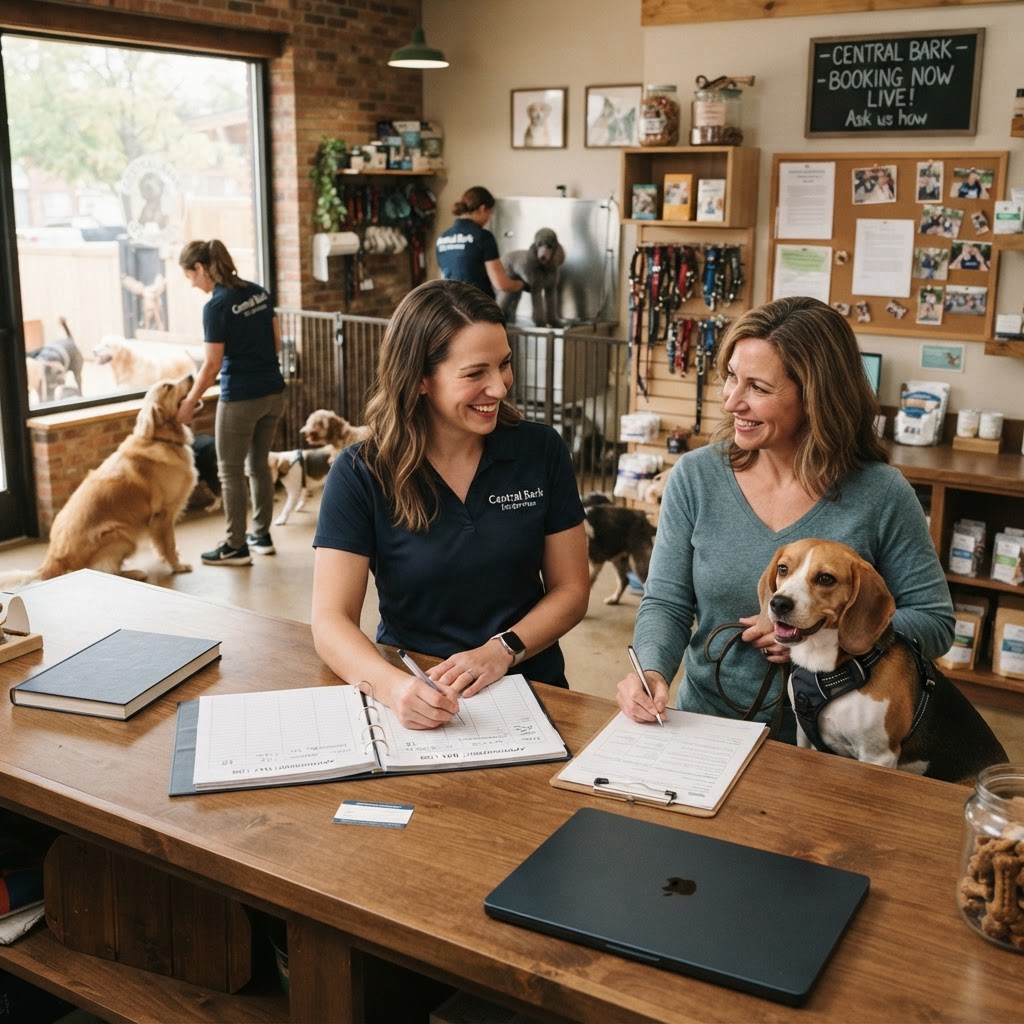
Once your services and workflow are defined, it is time to integrate the system into your daily routine.
Data migration: Moving from paper or legacy software
Starting fresh requires moving your existing client list. Export your current customer and pet data (names, emails, phone numbers, breed info) to a CSV file. Most modern platforms, including AnimalBooking, allow you to map these columns and bulk-import the data, instantly creating client profiles so existing customers don't have to re-enter basic information when they book online for the first time.
Centralizing your calendar management
Your online booking calendar should be the single source of truth for your business. Sync it with your personal Google Calendar or Microsoft Outlook to ensure you don't accidentally schedule a dentist appointment during a busy grooming shift. A two-way sync ensures personal events block out availability in your professional booking engine.
Staff roles and permissions
If you have employees, they shouldn't necessarily have access to your financial reporting or Stripe account settings. Configure staff roles with appropriate permissions. A "Groomer" might need access to view their own schedule and read pet profiles, while a "Manager" needs access to adjust schedules, issue refunds, and pull end-of-day revenue reports.
Setting up your custom booking website
If you don't already have a website, consider using a pet business website builder that includes integrated booking and custom domains. If you do have a website, embed your booking widget prominently on the homepage and contact page. Make it as easy as possible for clients to find the "Book Now" button.
Phase 4: Transitioning Your Clients
Moving existing clients to a new system requires clear communication.
Communicating the switch to existing customers
Send an email newsletter announcing your new online booking system. Highlight the benefits for them: 24/7 booking, easy rescheduling, and a smoother check-in process. Put up signage in your lobby, change your voicemail greeting to direct callers to your website, and mention the portal to clients during checkout.
The importance of a seamless booking experience
Monitor the first few weeks of online bookings closely. Ask clients for feedback on the process. If they find a particular intake question confusing, adjust it. The goal is to make the online booking experience so seamless that clients prefer it over calling.
Appendix: 4-Week Implementation Timeline
Setting up a robust system shouldn't happen overnight. Use this phased approach to ensure a smooth launch:
- Week 1: Core Setup. Input services, pricing, durations, and resources. Connect Stripe or Square for payments.
- Week 2: Client Experience. Build intake forms, write confirmation email templates, and configure automated SMS reminder timings.
- Week 3: Internal Testing & Data Migration. Import existing client CSVs. Run mock bookings as a "test client" to experience the checkout and deposit flow. Train staff on schedule views.
- Week 4: Soft Launch & Marketing. Embed the booking widget on your website. Send an email blast to your current client base announcing the new convenient way to book.
By implementing a robust online booking system like AnimalBooking, you can streamline your operations, reduce administrative overhead, and provide a more professional experience for your clients.
Start Your Free Trial with AnimalBooking
Streamline your pet business today.
Start Your Free Trial with AnimalBookingFrequently asked questions
Is online booking right for mobile services?▾
Yes. Mobile pet groomers and trainers can use online booking systems that factor in travel time and service areas, ensuring appointments are clustered efficiently.
How do I handle recurring appointments?▾
A good booking system allows you to set up recurring appointments (e.g., weekly dog walks or monthly grooms) so clients can secure their preferred slots well in advance.
Can I still accept phone bookings if I have an online system?▾
Absolutely. You can manually enter phone bookings into your online calendar, ensuring all appointments are centralized in one place.
Sources & references
Related articles
How to Send Pet Booking Reminders to Reduce No-Shows and Improve Efficiency
Automated booking reminders are the most effective way to reduce no-shows and keep your pet service calendar full. By combining the right timing, clear messaging, and multi-channel delivery, businesses can recover thousands in lost revenue.
How to Collect Pet Booking Deposits: A Guide for Animal Service Businesses
Last-minute cancellations and no-shows can devastate a pet business's bottom line. Implementing a clear, automated deposit policy protects your revenue while setting professional expectations with your clients.
How to Take Online Payments for Pet Services: A Complete Guide for Business Owners
Transitioning from manual cash and bank transfers to automated online payments is the most effective way to secure your cash flow and eliminate no-shows. This guide breaks down how pet businesses can implement secure, integrated payment systems.