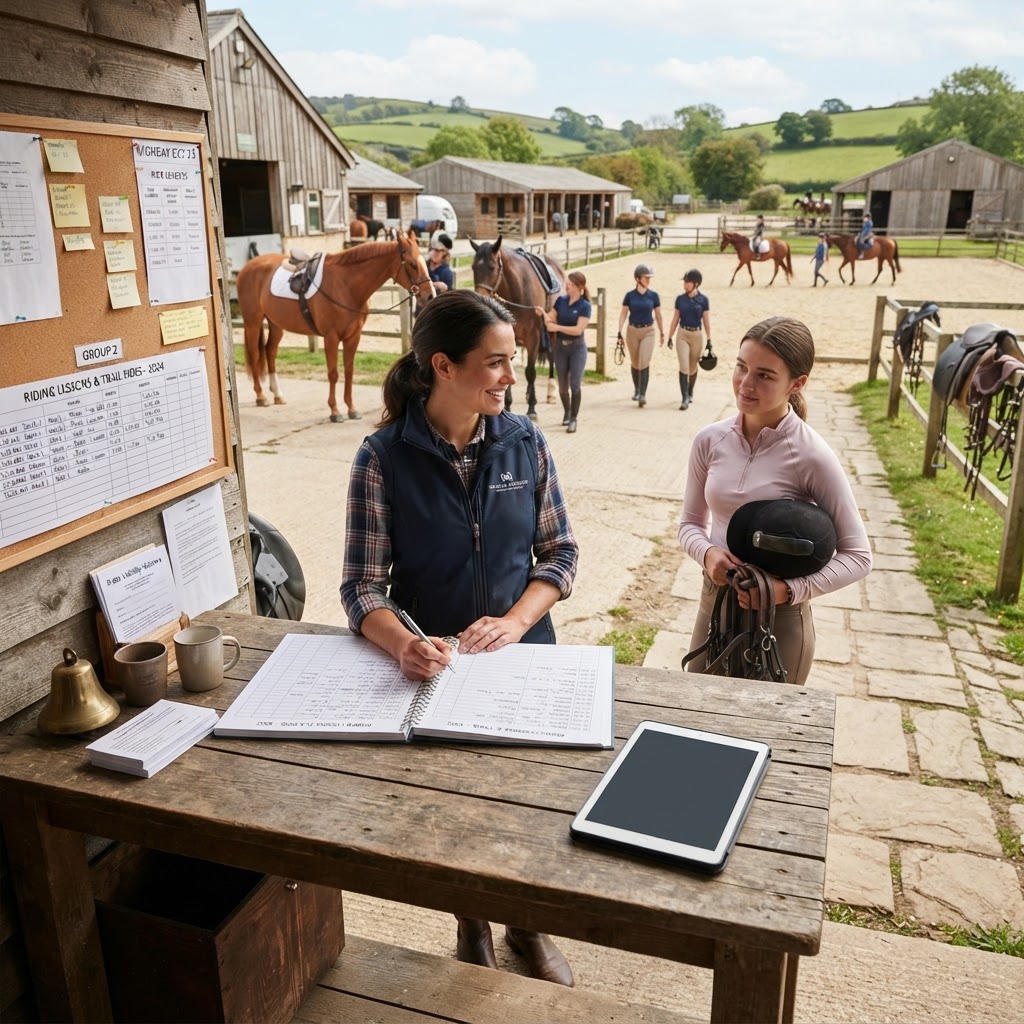
For riding school owners and stable managers, time spent coordinating schedules is time taken away from teaching riders and caring for horses. Manual booking processes rely on endless phone tag, scattered email threads, and paper diaries, creating a bottleneck that limits business growth and increases the risk of costly scheduling errors. Transitioning to an automated workflow solves these operational challenges by allowing riders to book, pay, and complete intake forms independently.
TL;DR
- Manual scheduling costs riding schools hours of administrative time weekly and increases the risk of double bookings or incorrect horse assignments.
- An automated workflow requires real-time calendar synchronization, digital intake questions to capture rider experience, and integrated liability waivers.
- Setting up automation involves defining lesson capacity, configuring custom intake forms, enabling automated reminders, and collecting upfront deposits.
- Research shows automated reminders significantly reduce appointment no-shows, protecting your stable's revenue.
- Using a specialized equine booking system like AnimalBooking streamlines operations from scheduling to payments.
Table of Contents
- The Hidden Cost of Manual Horse Riding Bookings
- Key Elements of an Automated Booking Workflow
- Steps to Automate Your Riding School Schedule
- Benefits Beyond Efficiency
The Hidden Cost of Manual Horse Riding Bookings
Operating a riding school involves complex logistics. You are not just scheduling a time slot; you are matching a specific instructor, a suitable horse, and an appropriate arena to a rider's exact skill level. When this process is handled manually, the hidden costs compound rapidly.
The impact of phone tag and email threads
Consider the standard manual booking flow: a prospective rider calls to inquire about lessons. You miss the call because you are in the arena. You call back and leave a voicemail. They email you their availability. You reply with open slots, but by the time they confirm, that slot has been taken by someone else. If this back-and-forth takes just 15 minutes per booking, a stable processing 40 lessons a week is losing 10 hours to basic administration. That is an entire working day lost to tasks that software can handle instantly.
Common errors in manual scheduling
Manual data entry inevitably leads to human error. In an equestrian setting, these errors are not just inconvenient; they can be dangerous. Common manual scheduling failures include double-booking a popular school horse, assigning a beginner rider to a green or overly forward horse because their experience level was not properly recorded, or forgetting to block out time for a horse's farrier appointment. An automated system acts as a safeguard, ensuring that resources (horses, arenas, instructors) cannot be double-booked and that critical rider data is always attached to the appointment.
| Feature | Manual Booking | Automated Booking Workflow |
|---|---|---|
| Availability | Requires back-and-forth communication | Real-time, 24/7 self-service booking |
| Resource Management | High risk of double-booking horses/arenas | Automatic capacity and resource allocation |
| Rider Intake | Paper forms often forgotten or lost | Mandatory digital intake before booking completes |
| Payments | Chasing invoices or handling cash on-site | Upfront deposits or full payments via Stripe/Square |
Key Elements of an Automated Booking Workflow
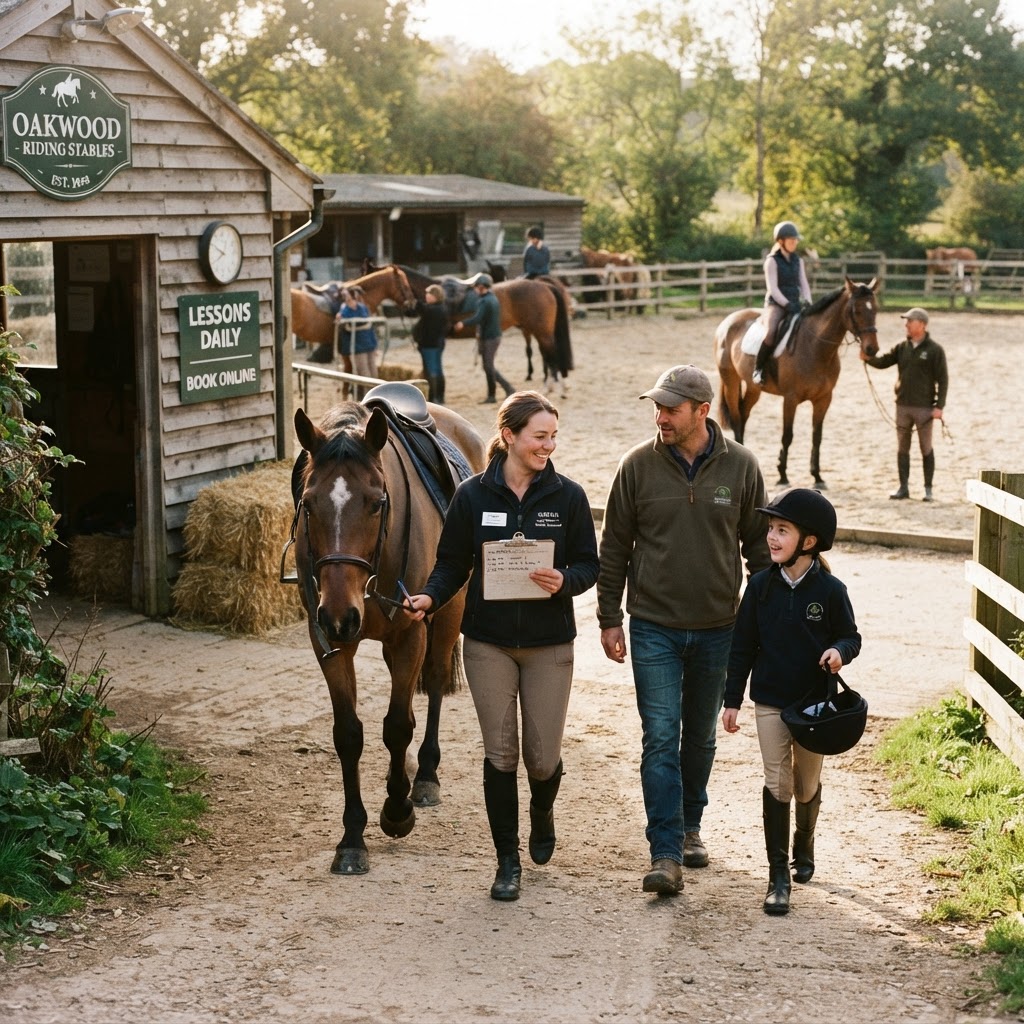
To successfully transition away from paper diaries, your new workflow must handle the unique variables of the equine industry. A generic calendar tool is insufficient; you need a system designed for service businesses with complex resource requirements.
Real-time availability and calendar sync
The foundation of automation is a smart calendar that reflects your true availability in real time. This means the system must account for instructor working hours, arena availability, and horse workload limits. When a rider views your online booking page, they should only see slots where all necessary resources are available. Two-way synchronization with tools like Google Calendar or Microsoft Outlook ensures that personal appointments automatically block out professional availability, preventing accidental overlaps.
Capturing rider experience levels and intake questions
Safety is paramount in horse riding. You cannot safely assign a horse without knowing the rider's height, weight, age, and honest experience level. An automated workflow integrates intake questions directly into the booking process. For example, a new rider selecting a "Beginner Group Lesson" must fill out a mandatory digital form detailing their previous riding experience and physical metrics before the booking is confirmed. This data is then stored securely in the customer's CRM profile for future reference.
Integrating waivers and liability forms
Liability waivers are a non-negotiable aspect of running a riding school. According to best practices shared by the Outdoor Law Group, liability waivers should be provided ahead of time to allow customers sufficient time to read and understand the terms, rather than rushing through them on a clipboard minutes before mounting. Integrating digital waivers into your automated booking flow ensures that no rider ever enters the arena without a signed, legally binding document on file.
Steps to Automate Your Riding School Schedule
Implementing an automated system requires upfront configuration, but the long-term time savings are substantial. Follow these steps to build a robust, hands-off scheduling process.
Defining your lesson types and capacity
Start by categorizing your services. Differentiate between private lessons, semi-private lessons, group classes, and specialized sessions like jumping or dressage clinics. For each service, define the duration, the price, the maximum number of participants, and the required resources. For example, a "Beginner Group Lesson" might have a capacity of six riders, require one instructor, and utilize the indoor arena. Setting these parameters ensures the system automatically caps bookings when the lesson is full.
Setting up custom intake forms
Configure your booking software to ask specific questions based on the service selected. A worked example: If a client books a "Trail Ride," the system should automatically prompt them with intake questions asking for their weight (to ensure they are matched with a horse capable of carrying them comfortably) and their riding experience (to determine the pace of the ride). AnimalBooking allows you to build these custom intake flows, ensuring you have all necessary information before the client arrives at the stable.
Enabling automated email and SMS reminders
No-shows are incredibly frustrating when you have already tacked up a horse. Research published by the National Center for Biotechnology Information (NCBI) demonstrates that automated reminders significantly reduce no-show rates, with one study showing a drop from 8.9% to 5.9% when automated systems are used. Furthermore, industry data suggests that a multi-channel approach works best. Set up your system to send an immediate confirmation email upon booking, followed by an SMS reminder 24 hours before the lesson. This 24-hour reminder is also the perfect place to include specific stable arrival instructions, such as "Please park in the lower gravel lot and wait by the viewing area. Wear closed-toe shoes with a small heel."
Collecting deposits and managing payments
Automating your schedule is only half the battle; automating your revenue collection completes the workflow. By integrating payment processors like Stripe or Square, you can require a non-refundable deposit or full payment at the time of booking. This eliminates the awkwardness of chasing clients for cash after a lesson and provides financial security if a client cancels at the last minute. You can also securely store a card on file for recurring weekly lessons, charging clients automatically without manual invoicing.
Benefits Beyond Efficiency
While saving 10 to 15 hours a week on administration is the primary driver for adopting automation, the secondary benefits profoundly impact your business's professionalism and growth.
Improved customer experience
Modern consumers expect the convenience of booking services online from their smartphones. By offering a seamless, 24/7 booking portal with a custom domain, you elevate the professional image of your riding school. Clients appreciate the ability to manage their own schedules, reschedule within your permitted timeframes, and receive clear, automated communication without having to wait for a callback.
Better data for business growth
Manual systems make it difficult to track business performance. Automated platforms provide reporting dashboards that reveal which lesson types are most profitable, which instructors have the highest retention rates, and which times of day are underutilized. This data allows you to make informed decisions, such as adding more beginner group classes on Saturday mornings if the data shows they consistently sell out weeks in advance.
Reduced no-shows with automated notifications
As noted earlier, a structured reminder cadence protects your time. When clients receive timely, automated SMS and email notifications, they are far less likely to forget their lesson. If they do need to cancel, automated systems often allow them to do so via a link in the reminder message, instantly freeing up that slot in your calendar for another rider to book, thereby protecting your revenue.
By implementing a purpose-built platform like AnimalBooking, riding schools can eliminate the friction of manual scheduling, ensure critical safety data is always collected, and focus their energy where it belongs: on the horses and the riders.